You can use the function keys to input quick actions in the timing app. The following functions are available:
F3 = False Start
F5 = Start Session
F6 = Change Transponder
F7 = Full Course Yellow
F8 = Red Flag
F10 = End Session
F12 = Manual Passing
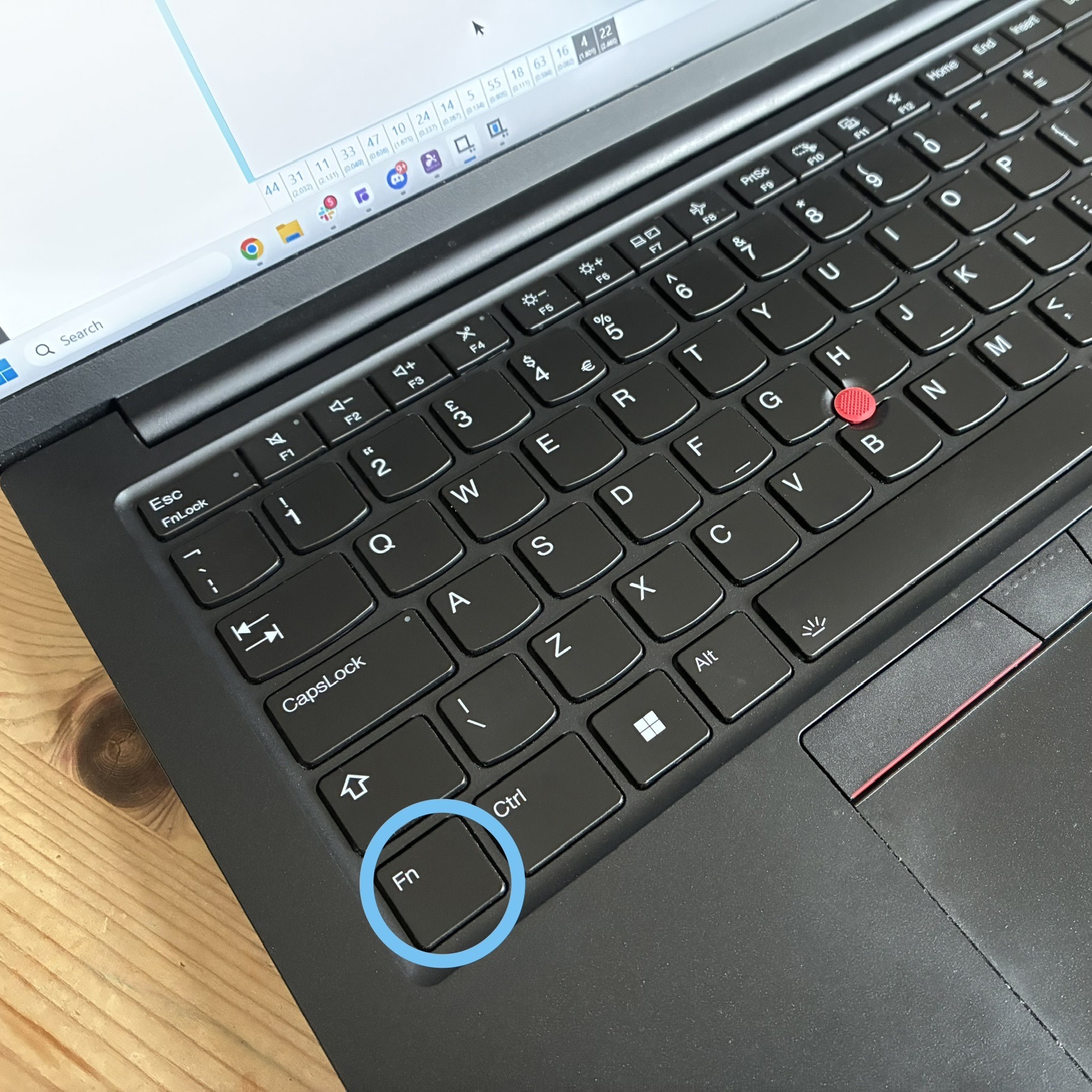
Note: A lot of keyboards require you to press and hold the Fn key if the function keys share their operation with other controls i.e. volume or brightness controls
Was this article helpful?
That’s Great!
Thank you for your feedback
Sorry! We couldn't be helpful
Thank you for your feedback
Feedback sent
We appreciate your effort and will try to fix the article